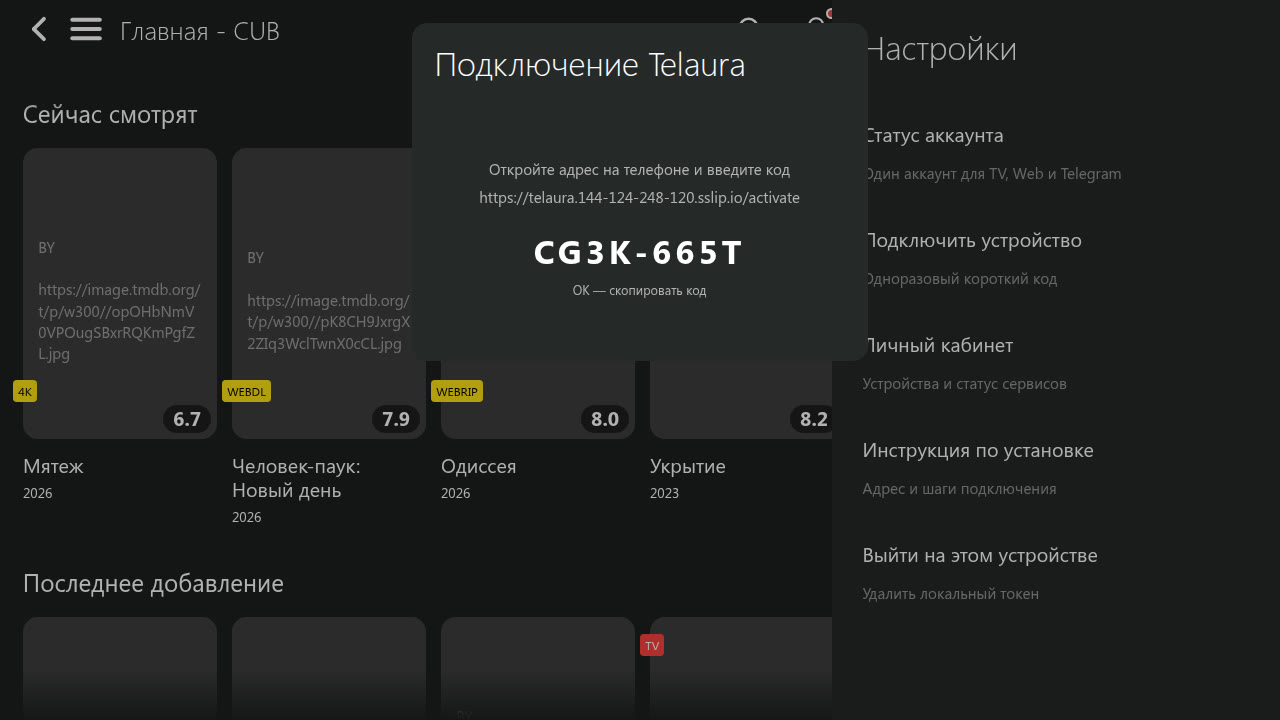
Open extensions
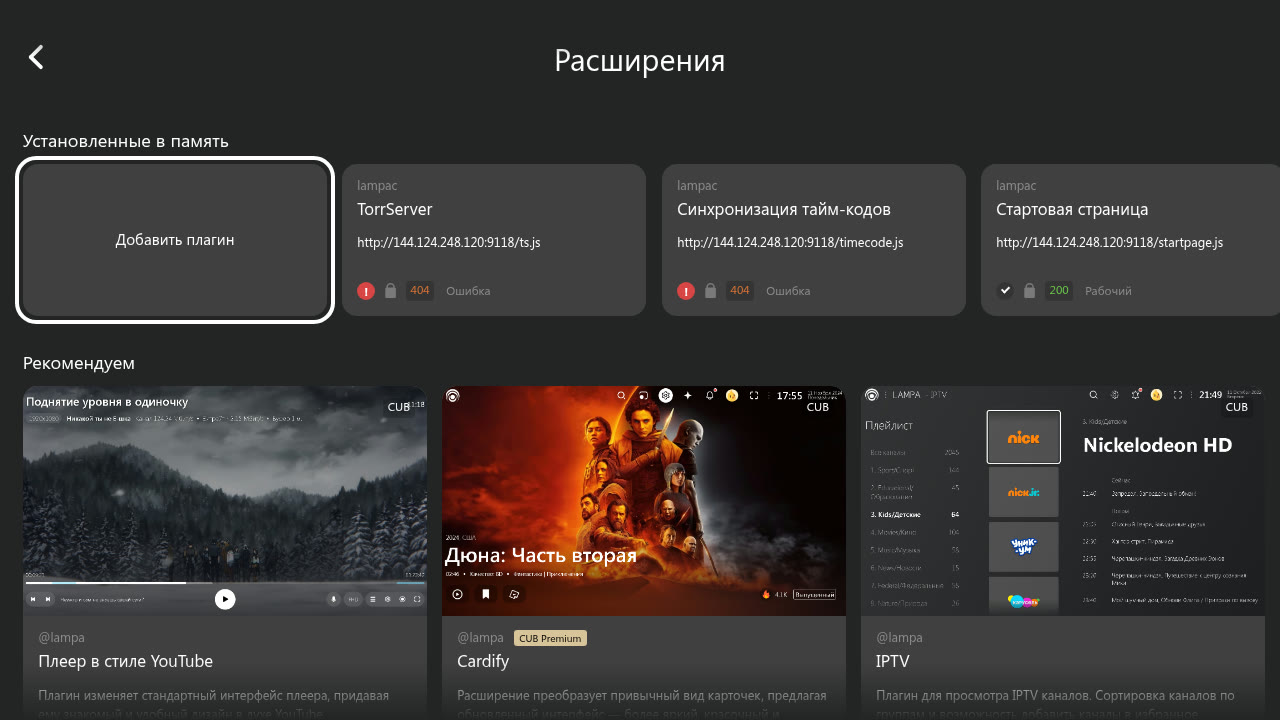
In Lampa, open Settings → Extensions and choose Add plugin.

All settings come from our API. The device stores only its session token.
In Lampa, open Settings → Extensions and choose Add plugin.
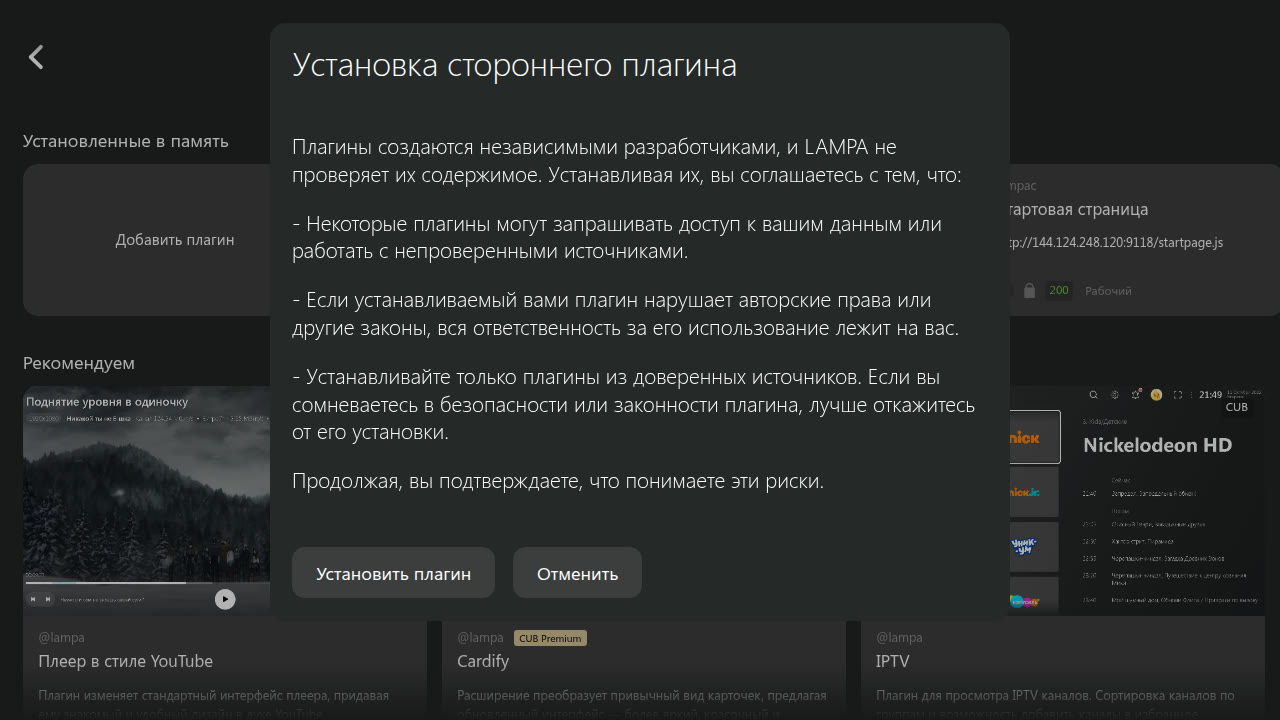
Read Lampa’s warning on first install, then choose Install plugin.
https://kinelaro.com/plugins/kinelaro.js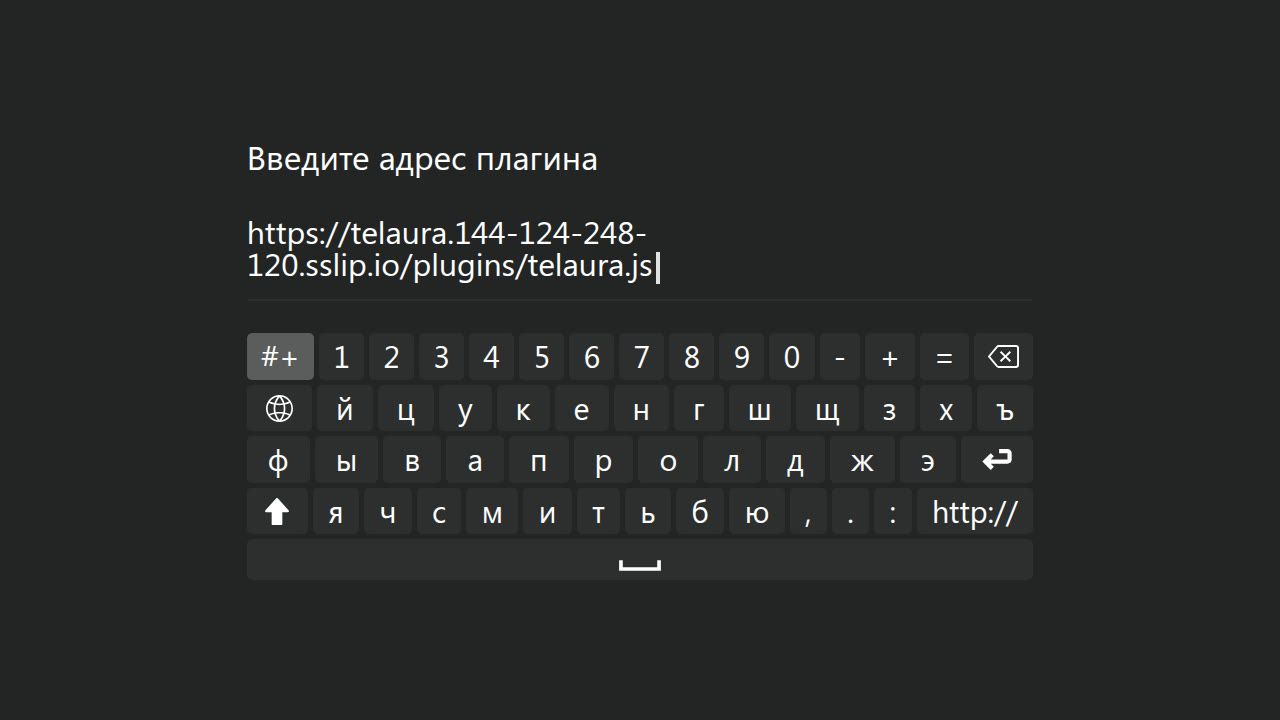
Open Kinelaro in Lampa settings, choose Connect device and confirm the displayed code in your account or Telegram. Your code is new and single-use.